
Attendance / Shifts
What it is for
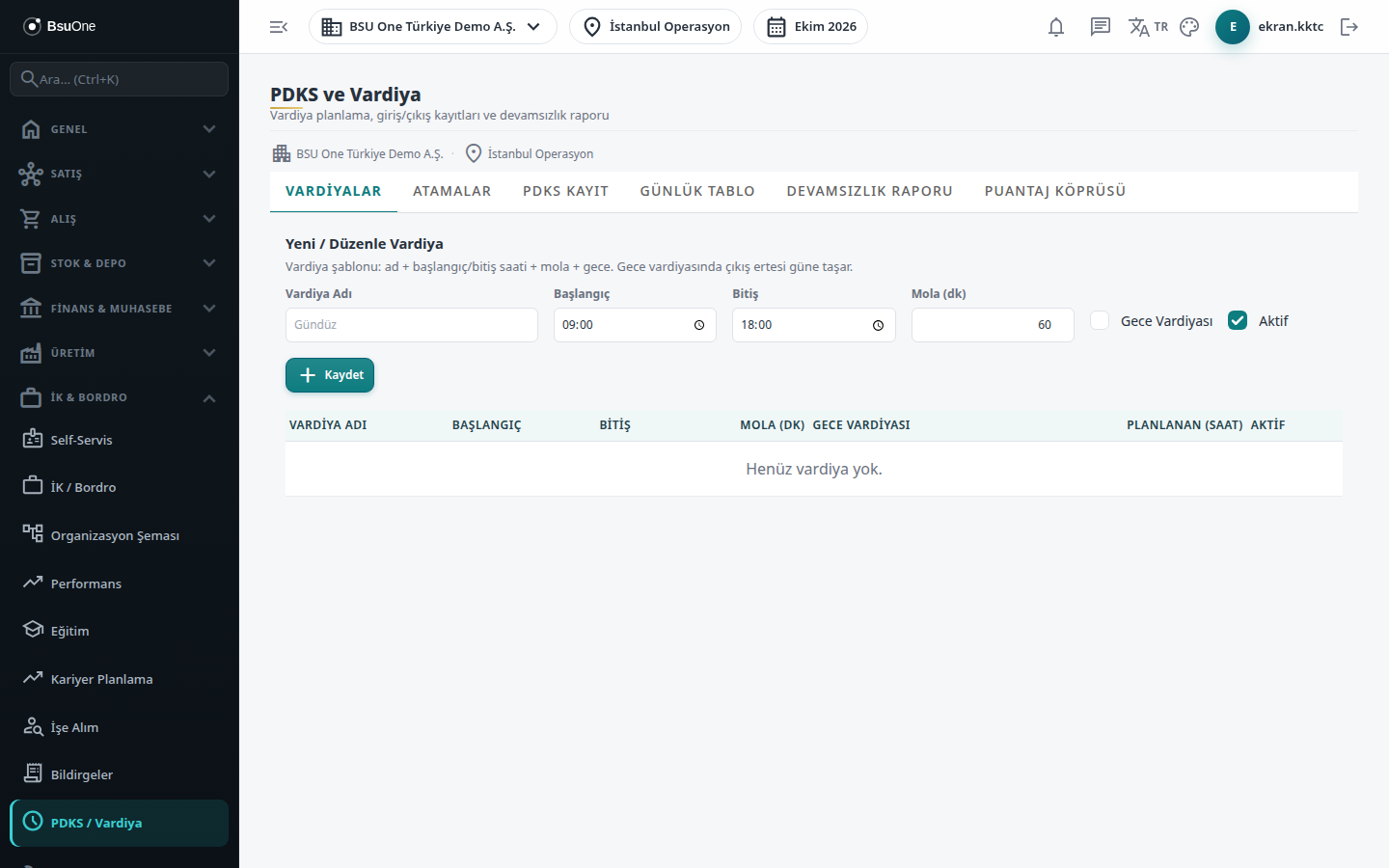
Section titled “What it is for”Attendance & Shifts (PDKS ve Vardiya; “Shift planning, entry/exit records and absence report”) follows the working pattern and actual attendance of staff. Shift templates are defined first and assigned to staff over a date range; then daily entry / exit (or “came / how many hours”) is recorded. Lateness, early leave, overtime and absence are derived from the records, and at month end the result is passed to the timesheet as a suggestion.
Who uses it
Section titled “Who uses it”HR and the managers responsible for shift planning. The Human Resources page permissions apply: View opens the screen; Add opens the forms for shifts, assignments, entry/exit and daily entry; Edit opens editing shifts, removing assignments and the Write to Timesheet button. Without View an access warning is shown.
Screens
Section titled “Screens”- Shifts (Vardiyalar): shift templates (hours, break, night).
- Assignments (Atamalar): shift assignment to staff over a date range.
- Attendance Record (PDKS Kayıt): entry / exit record per workday.
- Daily Table (Günlük Tablo): each day of a person on one row; quick “came / did not come” entry.
- Absence Report (Devamsızlık Raporu): period summary of absence and lateness.
- Timesheet Bridge (Puantaj Köprüsü): produce a monthly timesheet suggestion from attendance and write it to the timesheet.
Typical workflow
Section titled “Typical workflow”- Define the shift template on the Shifts tab.
- Assign the shift to staff with a date range on Assignments.
- Enter entries and exits on Attendance Record or Daily Table.
- Review the period with the Absence Report and write the monthly timesheet suggestion with the Timesheet Bridge.
- Approve the timesheet, then payroll.
Related modules
Section titled “Related modules”Step-by-step screen guides are currently available in Turkish; the links above open them.