
Access / Permissions
What it is for
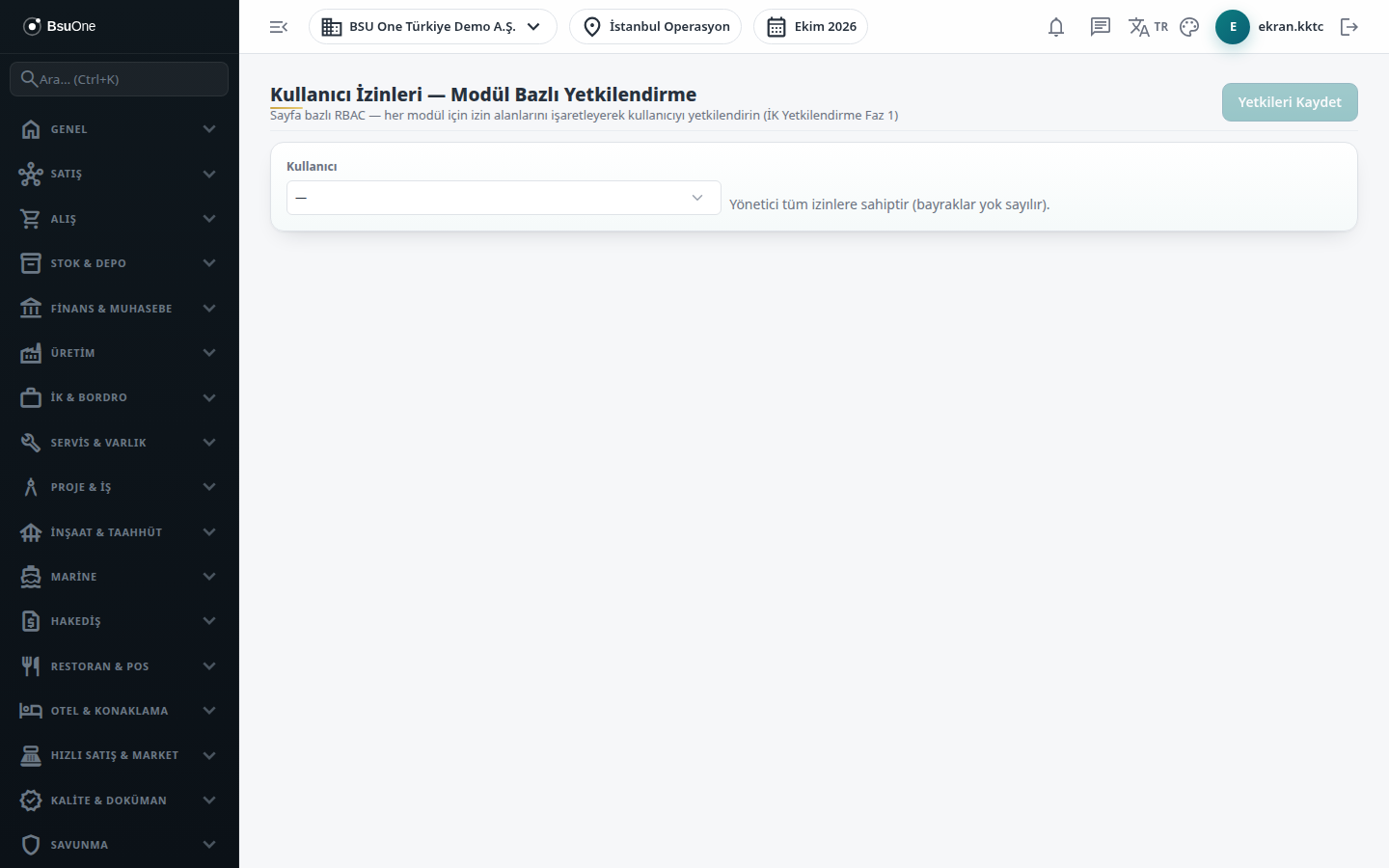
Section titled “What it is for”The Permission Matrix (Yetki Matrisi; the screen title reads “User Permissions - Module-Based Authorization”) authorizes one user module by module. Rows are pages and columns are permissions; ticked cells are permissions given directly to the user, added to those coming from group membership. The same screen shows the user’s two-step verification status and lets you reset it if the user is locked out.
Who uses it
Section titled “Who uses it”Administrators and users with View on the User Management page. Edit is needed to change anything, and you can only grant permissions you hold yourself. An administrator’s permissions cannot be changed because administrators have all permissions.
Screens
Section titled “Screens”- User selector (Kullanıcı): pick the person; administrators are marked “(admin)” and the matrix does not open for them.
- Two-step verification card (İki Adımlı Doğrulama (2FA)): shows whether the user has MFA enabled and how many recovery codes remain, with a reset option.
- Matrix: pages grouped by module; Basic columns are View, Add, Edit, Delete; Advanced columns are Approve, Export, Manager View and the personal data permission.
- Select all / Clear (Tümünü Seç, Temizle): tick or untick all permissions of a module; a column header box ticks one permission for all pages.
- Save permissions (Yetkileri Kaydet).
Related modules
Section titled “Related modules”Step-by-step screen guides are currently available in Turkish; the links above open them.