
Declarations
What it is for
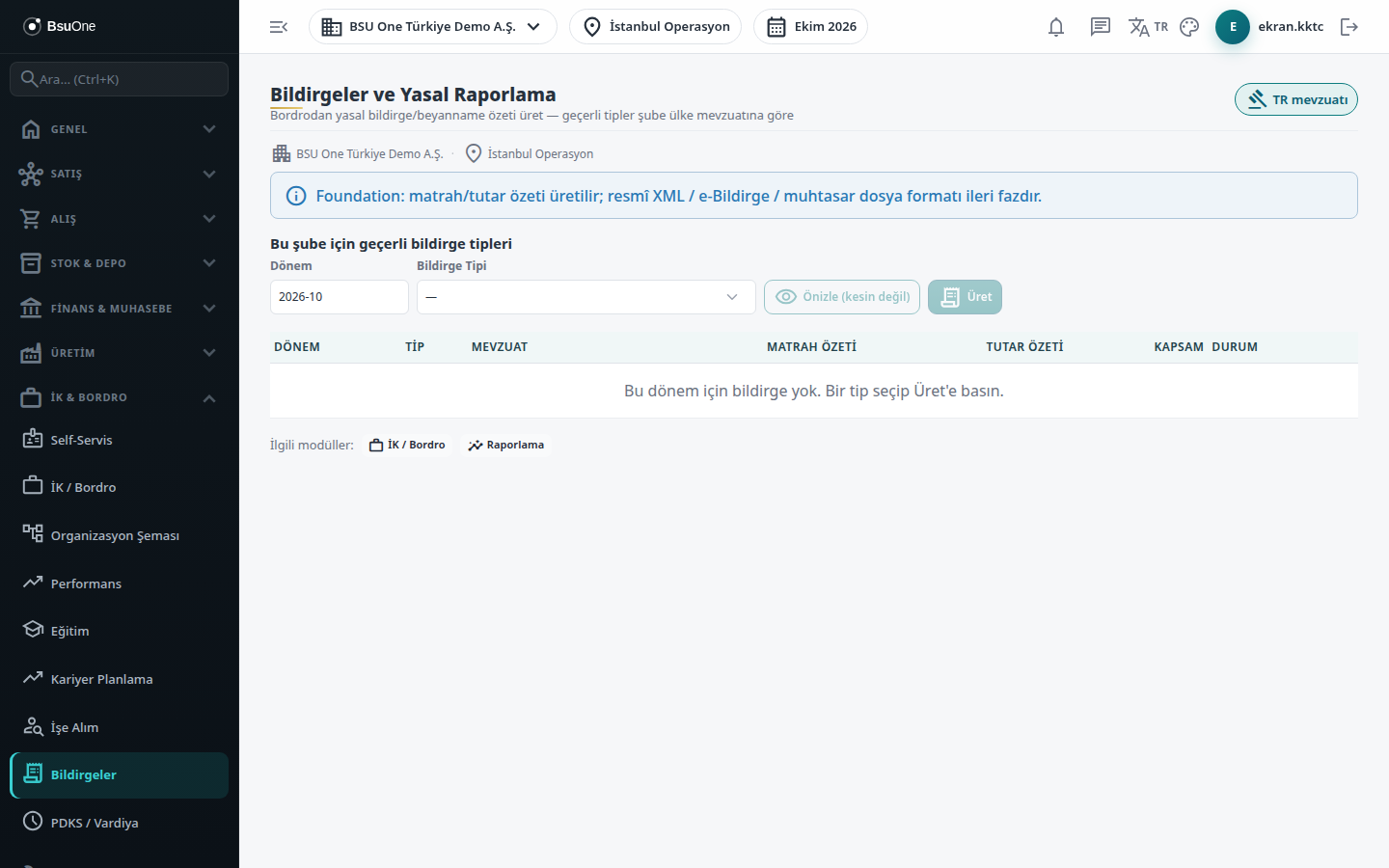
Section titled “What it is for”Declarations and Statutory Reporting (Bildirgeler ve Yasal Raporlama; “Generate statutory declaration summaries from payroll - valid types follow the branch country’s legislation”) collects a period’s approved payrolls and produces the base and amount summary of the declaration to be given to the official authority. The summary is the total of the ready amounts in the payroll; the screen calculates no new rate. Declaration types depend on the country of the branch: a “{country} legislation” badge appears at the top right and only that country’s types are listed.
Each declaration reaches the Generated status, and after checking it becomes Sent with Send and is locked. A note at the top says that this is a base/amount summary and that the official XML / e-declaration / withholding return file format is a later stage. That note still appears and applies only to the summary table; the files the authority expects (in North Cyprus the provident fund XML and the PAYE Excel package) are produced by the Payroll authority outputs section, which is outside the note.
Who uses it
Section titled “Who uses it”HR and payroll officers and accounting users who work with the financial advisor. The Human Resources page permissions apply: View to see the screen, Add for Generate, Edit for Send, Export for exporting and downloading the authority output package. Without View an access warning is shown.
Screens
Section titled “Screens”- Valid declaration types for this branch: type the Period (for example 2026-07), choose the Declaration type, then Preview (not final) or Generate.
- Declaration list: generated and sent declarations; Send locks the declaration so it cannot be regenerated; Export downloads the period list as CSV.
- Payroll authority outputs (Bordro kurum çıktıları): the downloadable authority file package; see the North Cyprus block.
Typical workflow
Section titled “Typical workflow”- Open Declarations in the HR & Payroll group and enter the period.
- Choose the declaration type and look at Preview (not final); the preview warns if the period has payrolls that are not approved or are out of date.
- Press Generate and confirm.
- After checking, press Send on the row; the declaration is locked.
- Press Export to take the period list as a file.
Related modules
Section titled “Related modules”Step-by-step screen guides are currently available in Turkish; the links above open them.