
Foreign Trade
What it is for
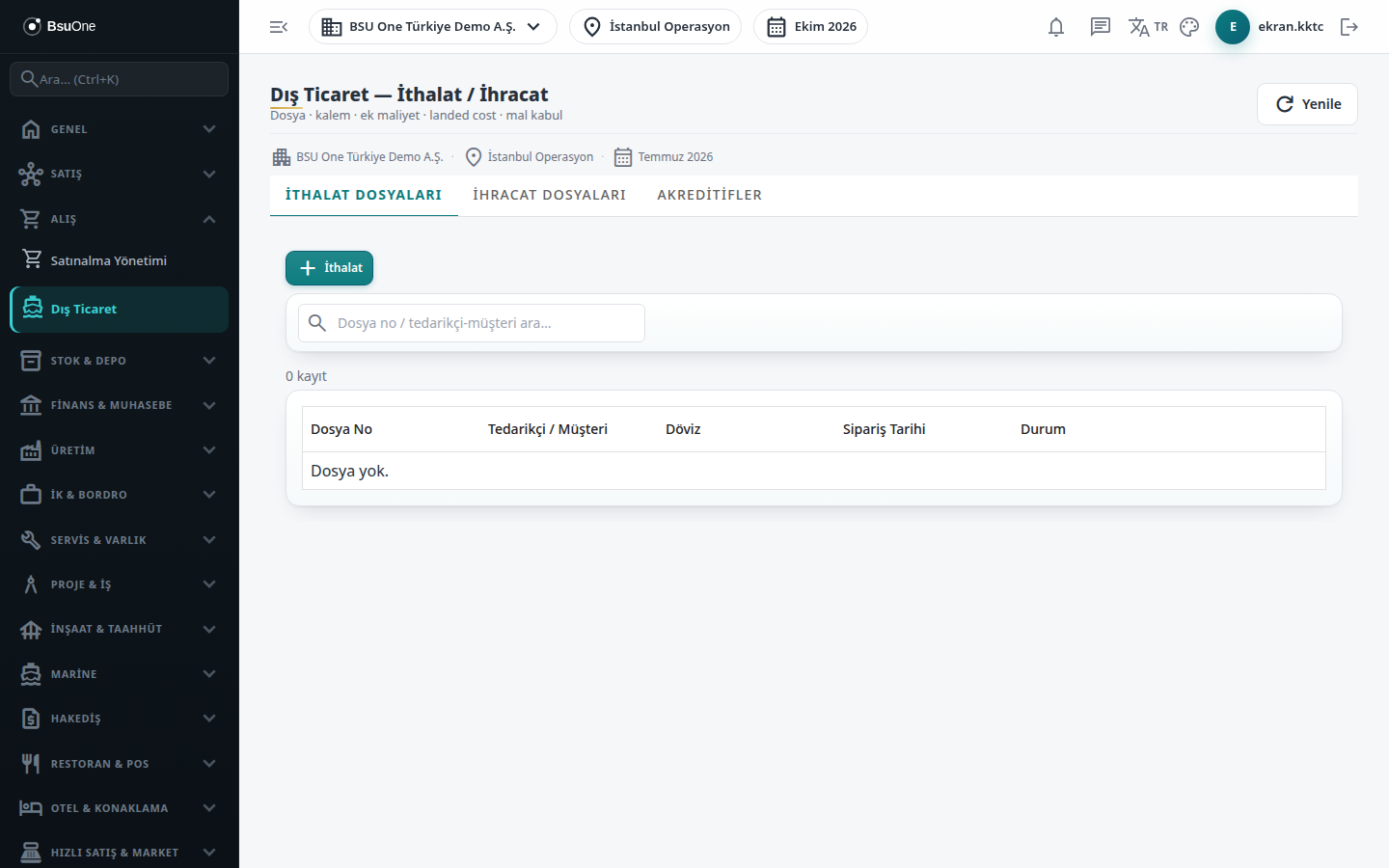
Section titled “What it is for”Foreign Trade (Dış Ticaret) follows goods bought from or sold abroad as a “file”. In an import file you enter the goods items and extra costs such as freight, insurance and customs duty; BSU One spreads the extra costs over the items and calculates the true unit cost of each product (landed cost), creates the stock entry and the accounting entry at goods receipt, and processes import VAT separately. In an export file, items and extra costs are kept. Letters of credit are listed on a separate tab.
Who uses it
Section titled “Who uses it”Foreign trade and purchasing officers and accounting. On the role screen, View on either the Foreign Trade or the Purchasing page opens the screen; Add is needed to add files, items and costs and to receive goods, and Delete to remove a file.
Screens
Section titled “Screens”- Import Files (İthalat Dosyaları): items, extra costs, landed cost, goods receipt, import VAT.
- Export Files (İhracat Dosyaları): export file, items and extra costs.
- Letters of Credit (Akreditifler): list of letters of credit and their status.
Typical workflow
Section titled “Typical workflow”- On Import Files open a file, enter items and extra costs, calculate landed cost, receive the goods and process import VAT.
- On Export Files open an export file and enter its items.
- Follow letters of credit and their status on their tab.
Related modules
Section titled “Related modules”Step-by-step screen guides are currently available in Turkish; the links above open them.