
Work Orders
What it is for
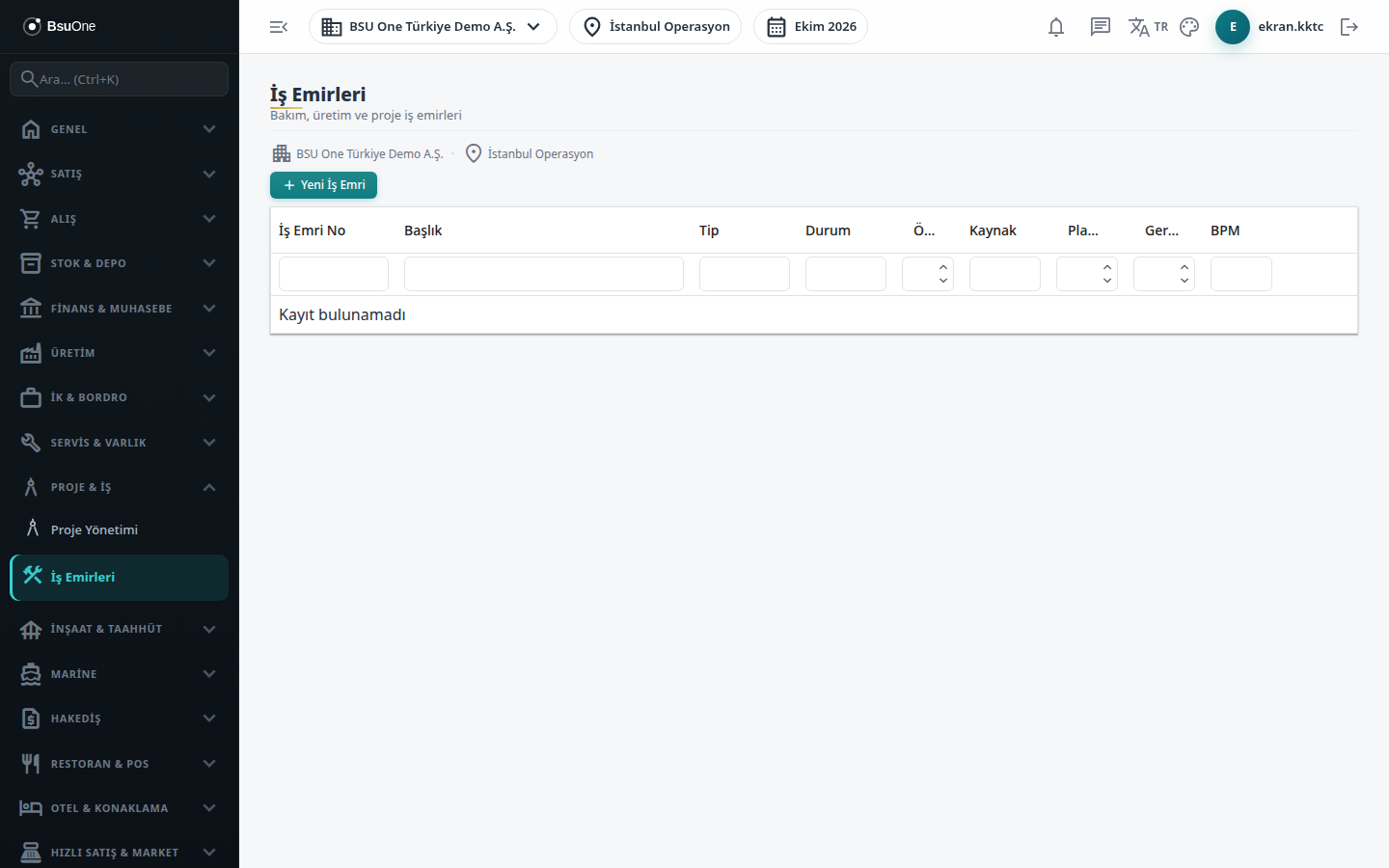
Section titled “What it is for”Work Orders (İş Emirleri) is the common list of the company’s work orders. Maintenance, production, service, project, installation and inspection work orders appear in the same list; when the Marine package is open, sea trial and vessel delivery types are added. Work orders opened by the Production and Service modules and those opened from the project cockpit are also listed here.
On this screen you can open a work order by hand, update details such as title, type, priority, planned hours and estimated cost, and delete a work order that has not yet progressed.
Who uses it
Section titled “Who uses it”Maintenance and service planners, project and production teams, and units that request work orders. On the Work Orders page of the role screen: View to see the list, Add for a new work order, Edit to update, Delete to delete.
Screens
Section titled “Screens”- Status chart: a pie chart of the status distribution above the list, when available.
- List: work order number, title, type, status, priority, source, planned (h) and actual (h) hours and more.
- New Work Order: number, title, type, priority (0 to 3), source module, planned hours, estimated cost, description and dates.
- Edit: the pencil button; title, type, priority, planned hours, estimated cost, description, request date and due date change.
- Delete: only a manually opened work order that is still in Request status can be deleted.
Related modules
Section titled “Related modules”Step-by-step screen guides are currently available in Turkish; the links above open them.