
Delivery
What it is for
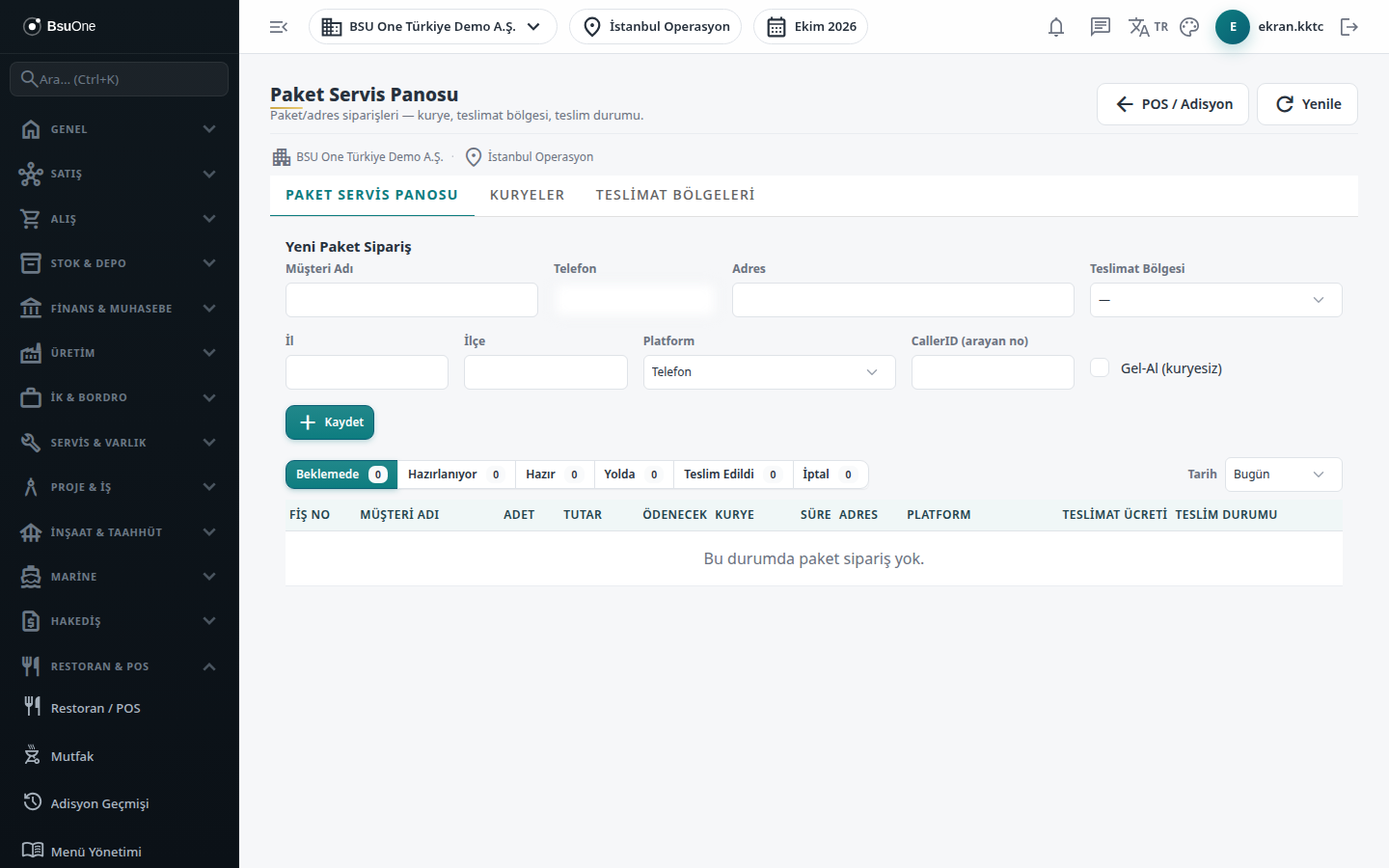
Section titled “What it is for”Delivery (Paket Servis) is the screen on which you follow address delivery or pick-up orders from start to finish: opening the order, assigning a courier, the ready / on the way / delivered stages, and the cash the courier collected. Every delivery order is tied to a check; you add the products from the order screen. The delivery fee comes from the selected zone.
Who uses it
Section titled “Who uses it”The cashier who takes delivery orders, the restaurant manager and the courier officer. On the Restaurant / Order page of the role screen, View opens the screen; Add allows a new delivery order and Edit allows courier and zone definition and advancing a stage.
Screens
Section titled “Screens”- Delivery Board (Paket Servis Panosu): the orders.
- Couriers (Kuryeler)
- Delivery Zones (Teslimat Bölgeleri)
Typical workflow
Section titled “Typical workflow”- Define zones and couriers.
- On the board save a New Delivery Order; the order screen opens.
- Add the products and send them to the kitchen.
- Assign a courier on the board, then Ready, On the Way and delivered.
A delivery order can also be opened from the table plan on the order screen with New Delivery.
Related modules
Section titled “Related modules”Step-by-step screen guides are currently available in Turkish; the links above open them.