
Menu Management
What it is for
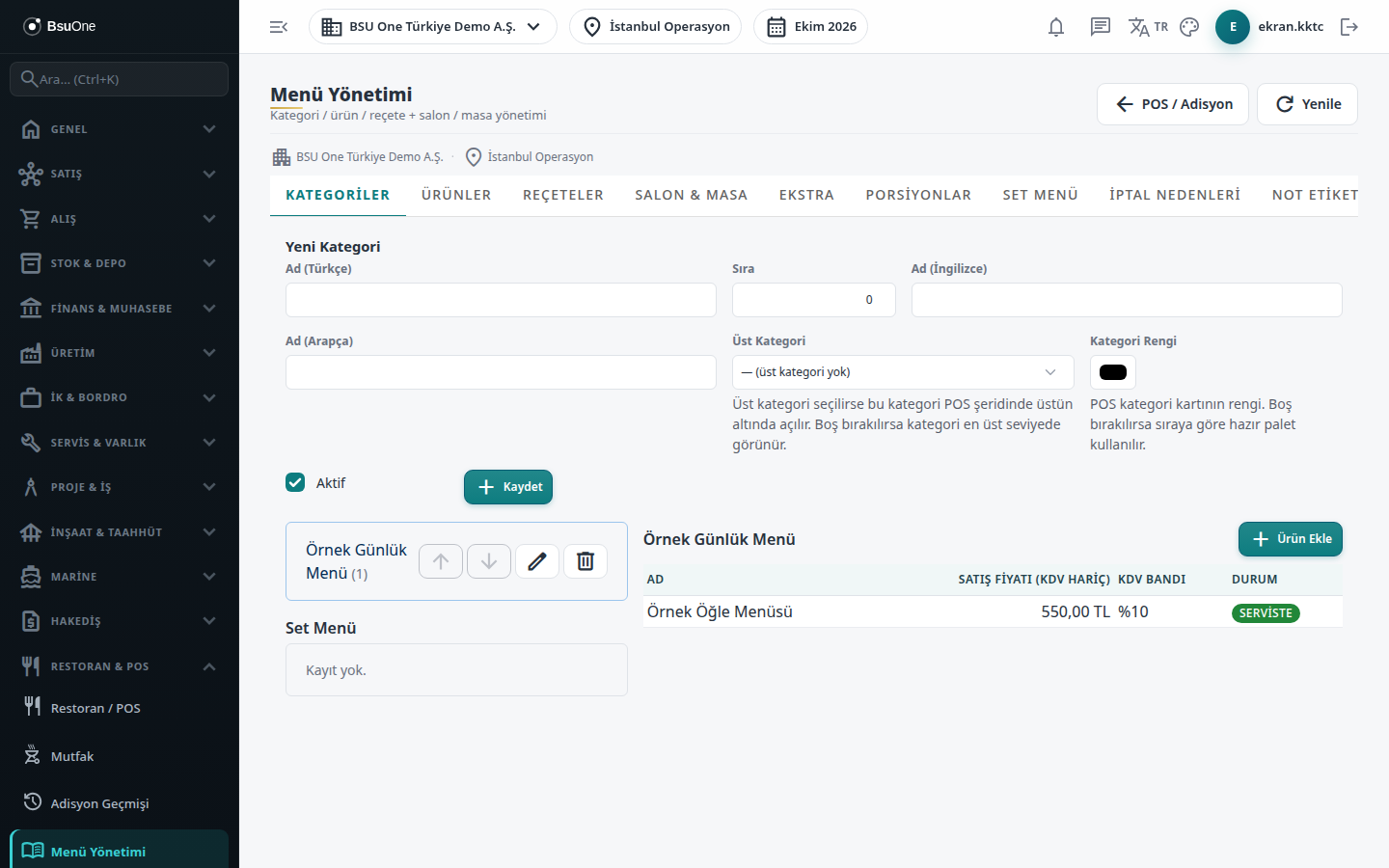
Section titled “What it is for”Menu Management gathers in one place all the definitions that feed the order screen: categories, menu items and prices, recipes, halls and tables, extra groups, portions, set menus, cancel reasons, note tags and the visual floor plan. Every change you make here is reflected in the order (POS) screen, the QR menu and the kitchen. The POS / Check shortcut at the top goes to the order screen.
Who uses it
Section titled “Who uses it”The restaurant manager and the menu officer. On the Restaurant / Order page of the role screen, View opens the screen; adding and editing need Edit, and deleting needs Delete.
Screens
Section titled “Screens”- Categories (Kategoriler): category tree, color, order; adding products to a category.
- Items (Ürünler): menu item, price, VAT band, 86 (sold out).
- Recipes (Reçeteler): ingredient components and portion yield.
- Halls & Tables (Salon & Masa): hall, table, bulk tables, table QR.
- Extras (Ekstra): extra groups and their options.
- Portions (Porsiyonlar): price variants such as half / full.
- Set Menus (Set Menü): fixed-price menus with choice groups.
- Cancel Reasons (İptal Nedenleri): reasons to choose on cancellation.
- Note tags (Not etiketleri): ready line notes and allergen marks.
- Visual Floor Plan (Görsel Masa Planı): the position of tables in the hall.
Typical workflow
Section titled “Typical workflow”Recommended setup order: Halls & Tables, Categories, Items, Recipes, Extras / Portions / Set Menus, then Cancel Reasons and Note tags.
Related modules
Section titled “Related modules”Step-by-step screen guides are currently available in Turkish; the links above open them.