
Survey Calendar
What it is for
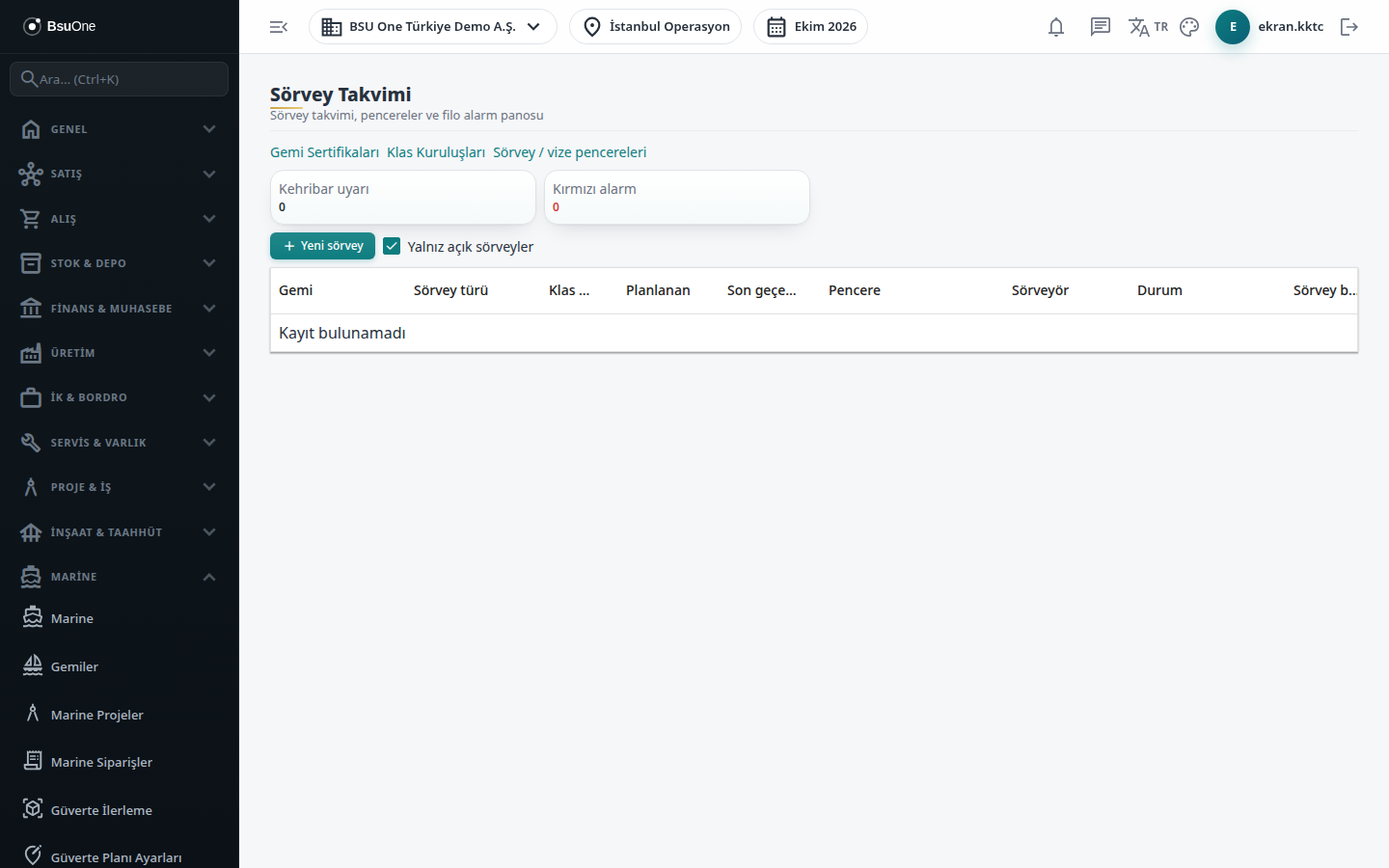
Section titled “What it is for”The Survey Calendar (Sörvey Takvimi) lets you plan, complete or cancel class and flag surveys (annual, intermediate, special / renewal, hull, docking, flag state and port state inspections). The alarm board at the top shows the number of amber warnings and red alarms for the whole fleet; the list below shows alarms coming from certificate expiries, open surveys and open class conditions.
A survey’s window dates are calculated from the expiry date with a row in Settings › Parameters and stored in the survey’s record; adding a new period row later does not change an existing survey’s window.
Who uses it
Section titled “Who uses it”The technical office, the class and survey officer, and shipyard planning. On the Marine page of Settings › Roles: View sees the calendar and alarms, Add plans a new survey, Edit edits, completes and cancels a survey.
Screens
Section titled “Screens”- Links at the top: Vessel Certificates, Class Societies and Survey / visa windows.
- Alarm board: Amber warning and Red alarm cards, and a table of vessel, type (certificate, survey, class condition), description and expiry.
- New survey: vessel, survey type, planned date and branch are required; class society, related certificate, surveyor, expiry, place and notes are optional. A survey fee with its currency and a cost project (it must be that vessel’s Marine project) can be added.
- Complete: upload the survey report in the report panel, select it and complete.
- Cancel: give a reason and confirm.
- Open surveys only box: on by default; edit, complete and cancel icons appear only on open surveys.
Related modules
Section titled “Related modules”Step-by-step screen guides are currently available in Turkish; the links above open them.