
Contracts
What it is for
Section titled “What it is for”Contracts (Sözleşmeler) is where you register an employer (upstream) or subcontractor (downstream) contract tied to a project. A contract opens as a draft, party roles are added, and then it is published. A published contract becomes the source of the bill of quantities, measurement and progress claim steps.
Who uses it
Section titled “Who uses it”Contract and tender officers and project managers. Permission is on the Construction / Contracting page of the role screen: View for the list, Add for a new contract, Edit for publishing, closing and party role changes.
Screens
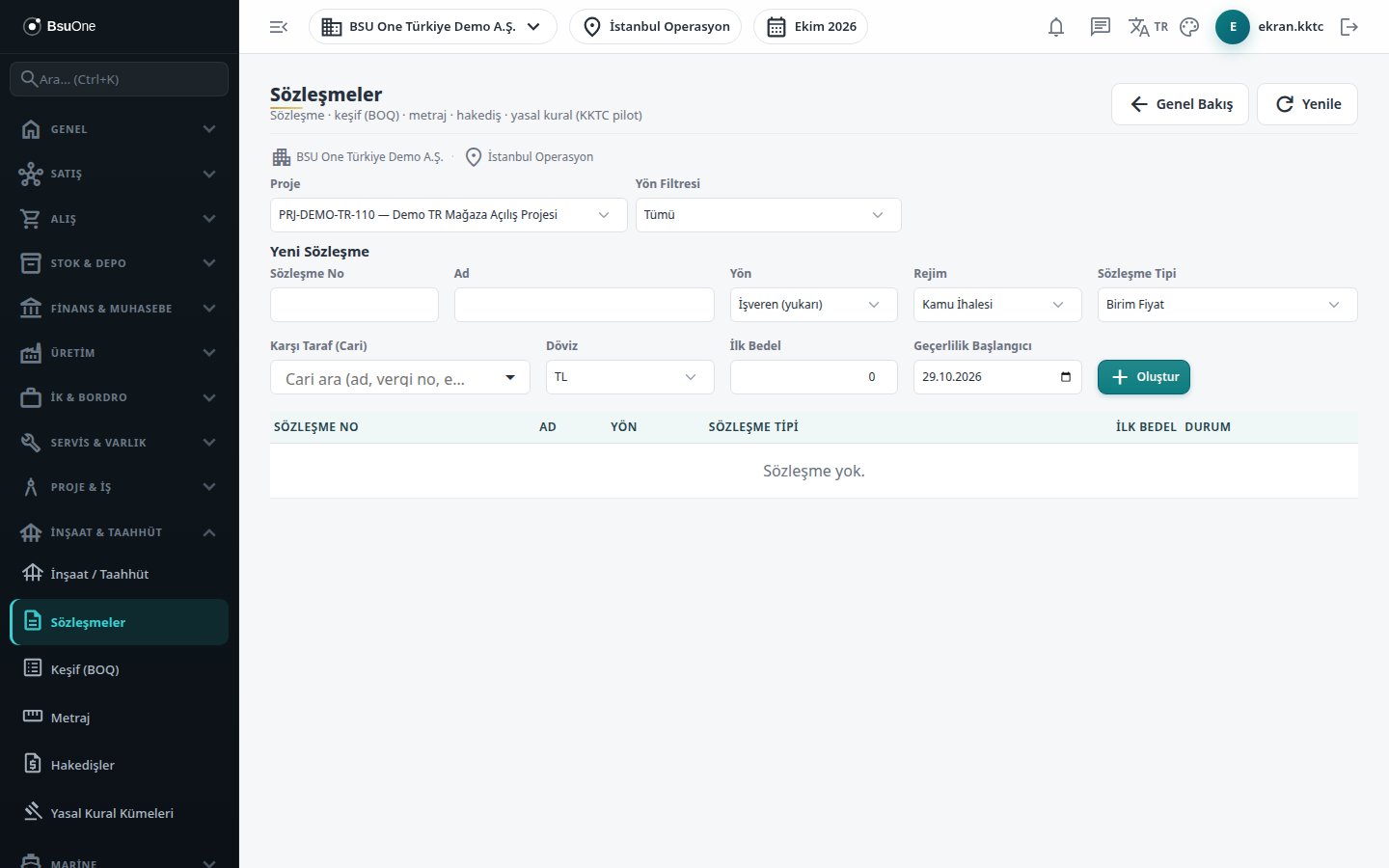
Section titled “Screens”- Project and direction filter: choose the project and, if you like, only employer or only subcontractor contracts.
- New Contract: contract number, name, direction, regime, type, counterparty account, currency, initial value and valid-from date.
- Party roles (Taraf Rolleri): add an account with a role; at least one role is needed before publishing.
- Publish (Activate) and Close: publishing locks the header after confirmation; closing sets the status to Closed without a question.
Typical workflow
Section titled “Typical workflow”- Select the project and create the contract as a draft.
- Add party roles.
- Publish the contract.
- Close it when the work is finished.
Related modules
Section titled “Related modules”Step-by-step screen guides are currently available in Turkish; the links above open them.