
Security
What it is for
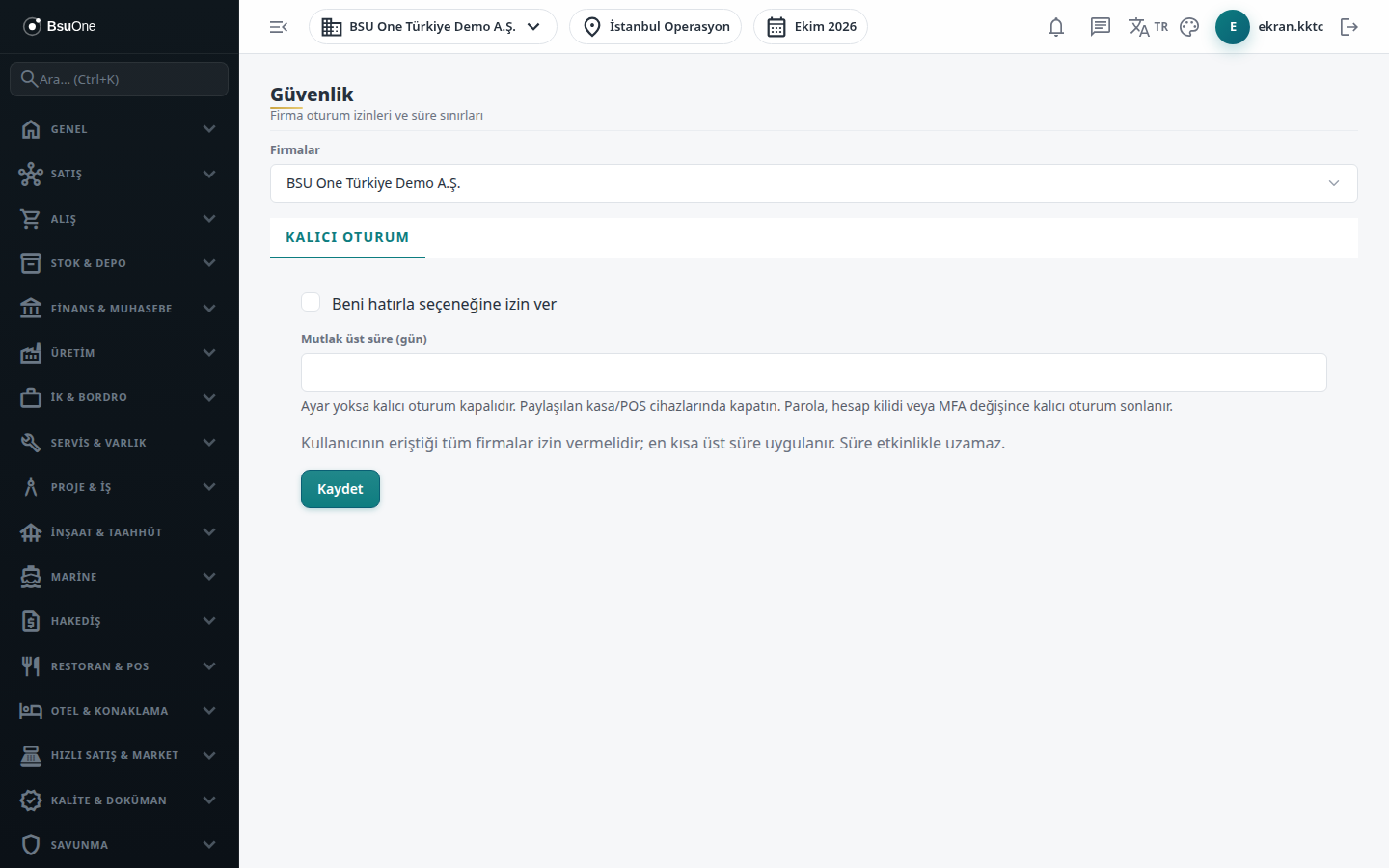
Section titled “What it is for”Security (Güvenlik) holds your company’s session security settings. It currently has a single tab, Persistent session: you decide whether users can use the Remember me option at sign-in and for at most how many days a session stays open.
Who uses it
Section titled “Who uses it”Administrators and users with View on the Settings page see the screen; Edit is needed to change the setting. Without permission the fields appear inactive.
Screens
Section titled “Screens”- Persistent session (Kalıcı oturum): edit the settings and press Save.
- Company selector: your working company is selected by default; choose another company from the list to set it for that company.
Related modules
Section titled “Related modules”Step-by-step screen guides are currently available in Turkish; the links above open them.