
Deck Progress
What it is for
Section titled “What it is for”Deck Progress (Güverte İlerleme) draws a vessel’s deck plan with its zones and shows each zone’s physical progress by color. The overall, deck and zone percentages, the number of completed zones and the work orders tied to zones are followed at a glance. The screen only reads; the plan and classification records are entered on Deck Plan Settings.
Who uses it
Section titled “Who uses it”The project manager, the field engineer, planning and management. View on the Marine page of the role screen is enough.
Screens
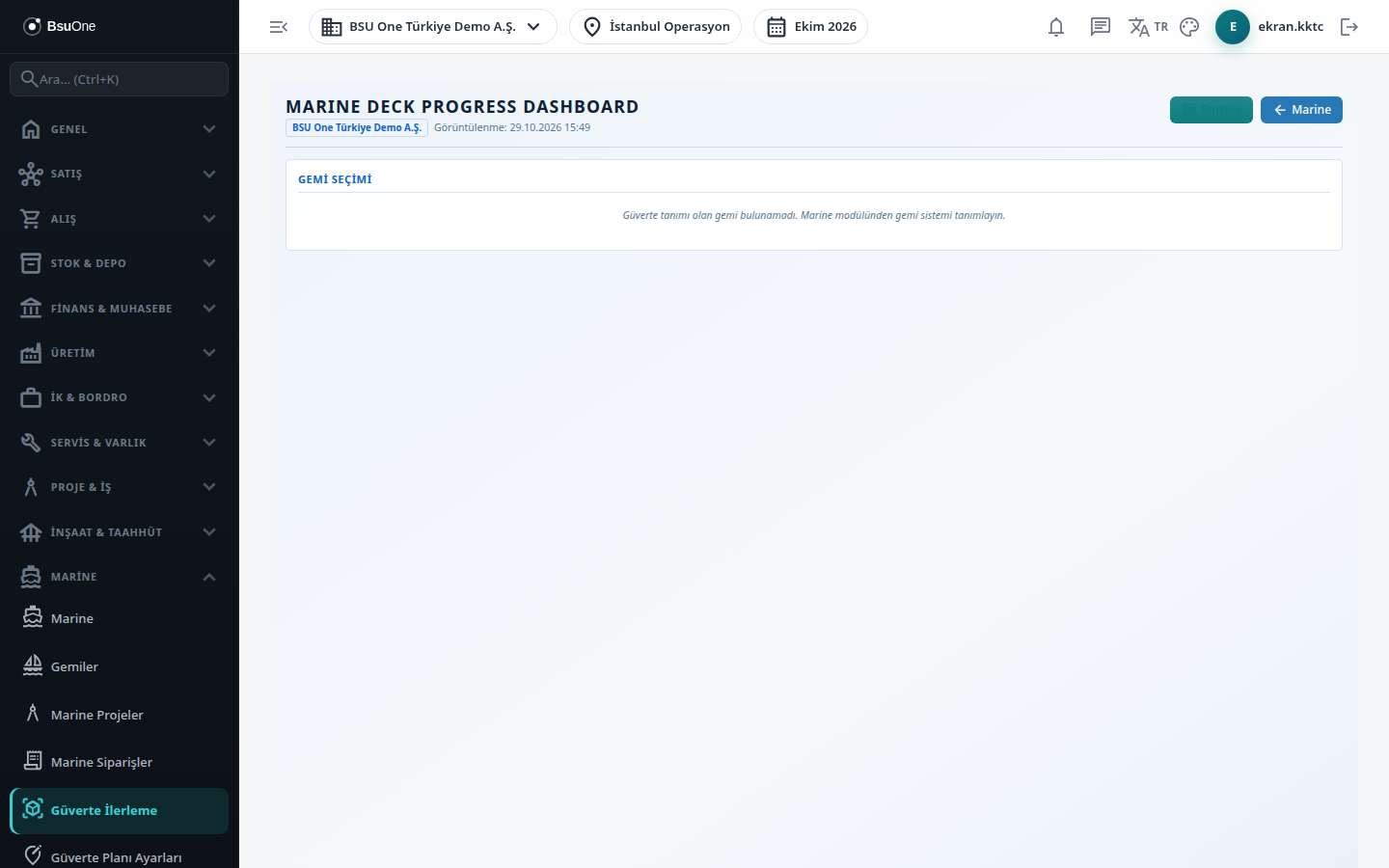
Section titled “Screens”- Vessel selection: vessels with a deck definition appear as cards (type, length, number of decks and zones).
- Summary cards: Overall Progress, Decks, Zones, Completed and Work Orders (vessel projects).
- Deck tabs: All or one deck, with the deck’s percentage.
- Plan drawing: zones appear at their saved positions in the progress color; click a zone to see its code, deck, description, status, physical progress and linked activities in the right panel. Zones with no saved position are listed under the drawing as “Zones with no position”.
- Related Work Orders list in the zone panel, and a link to all work orders.
- Deck summary (on the All tab): each deck’s percentage and zone count.
- Top buttons: Deck Plan Settings, Portfolio and Marine; Change Vessel returns to selection.
Related modules
Section titled “Related modules”Step-by-step screen guides are currently available in Turkish; the links above open them.