
Restaurant Settings
What it is for
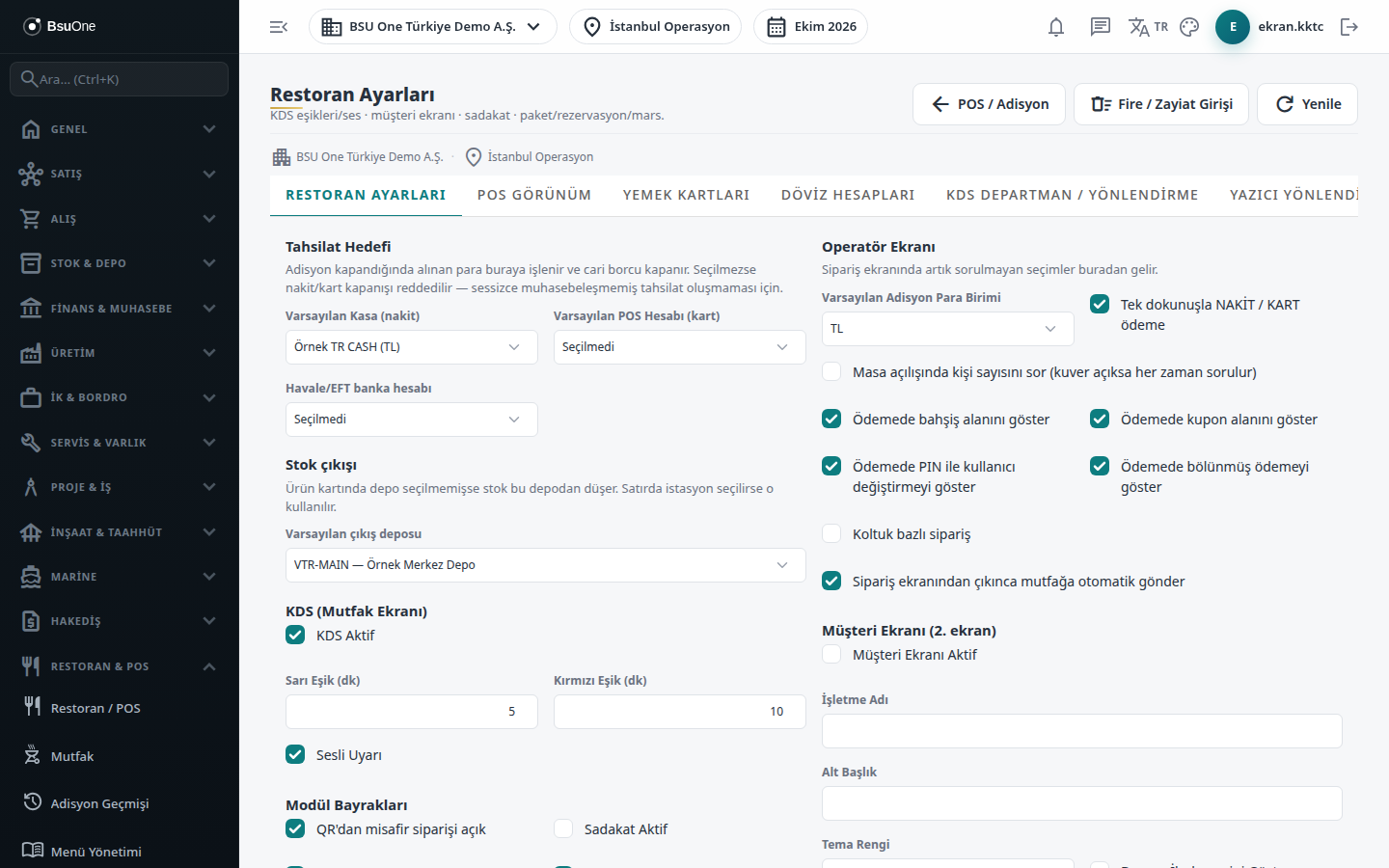
Section titled “What it is for”Restaurant Settings is the single screen that manages the restaurant operation of the selected branch. In eleven tabs you define the collection target and module flags, the POS view, meal card companies, foreign-currency accounts, kitchen display routing, printers, receipt templates, stamp cards, happy hour rules, coupons and the cloud QR link. Settings are specific to the branch.
From the shortcuts at the top you can go to the POS / Check (table and order screen), Waste Entry and Customer Display pages.
Who uses it
Section titled “Who uses it”The restaurant manager, the accounting officer and the technician doing the setup. At least View on the Restaurant / Order page of the role screen is needed to see the screen and Edit to make changes. Publishing the cloud menu also needs the Digital Menu - Publish permission.
Screens
Section titled “Screens”- Restaurant Settings: collection target, stock warehouse, KDS thresholds, module flags, cover charge, delivery fee, operator and customer display.
- POS View (POS Görünüm): palette, dark mode, grid and refund button visibility.
- Meal cards (Yemek kartları): meal voucher companies and commission.
- Currency accounts (Döviz hesapları): cash / POS / bank mapping per currency.
- KDS Department / Routing: kitchen departments and rules.
- Printer Routing (Yazıcı Yönlendirme): printers and the print agent.
- Receipt Designs (Fiş Tasarımları): receipt templates.
- Stamp Cards (Damga Kartları): buy N get 1 free campaigns.
- Price Rules / Happy Hour (Fiyat Kuralları / Happy Hour): day and hour based price rules.
- Apply Coupon (Kupon Uygula): discount coupons.
- Cloud QR link (Bulut QR bağlantısı): connecting and publishing to the cloud QR menu.
Typical workflow
Section titled “Typical workflow”Recommended setup order: first Restaurant Settings (collection target, warehouse), then Printer Routing and KDS, and last the campaign tabs.
Related modules
Section titled “Related modules”Step-by-step screen guides are currently available in Turkish; the links above open them.