
Product Import
What it is for
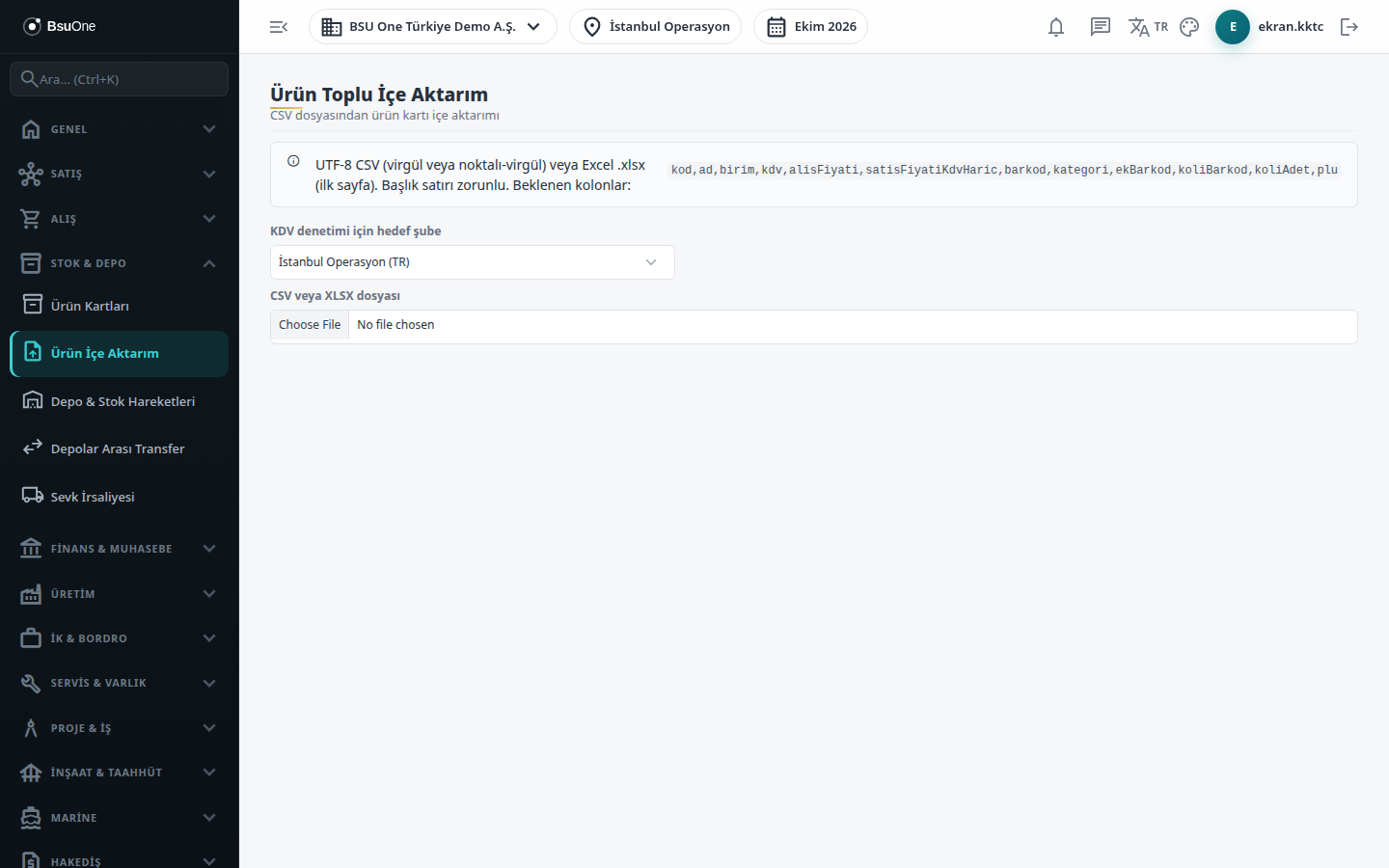
Section titled “What it is for”Product Import turns a ready product list into product cards in one go. The file can be a UTF-8 CSV (comma or semicolon separated) or an Excel .xlsx (first sheet); the first row is the header row. The uploaded file is previewed first, faulty rows are shown in red, and then Import saves it.
Who uses it
Section titled “Who uses it”Stock and product officers. On the Stock / Inventory page of the role screen: View to see the screen, Add to upload a file and import.
Screens
Section titled “Screens”- Target branch for VAT check: required when there are several branches.
- CSV or XLSX file: up to 5 MB; the box on screen lists the expected column headers.
- Preview table: code, name, unit, VAT, purchase price, sale price, VAT amount, price including VAT, category and the row error.
- Update existing card box: update a card with the same code or barcode; if unticked an existing card is skipped.
- Import: the result table shows each row’s status (Created, Updated, Skipped, Error) and message.
How columns behave:
- VAT: written as a band number (a percentage sign is accepted; the band name is also read). On a new card VAT cannot be empty, and an empty cell is not treated as a zero rate.
- Update mode: only columns filled in the file are written; an empty cell does not overwrite the existing value.
- A new card opens as Stock type, stock tracked, with the TL currency.
- Category: assigned if the name matches an existing category; otherwise it is left empty with a note on the row (categories are not created automatically).
- Extra barcode, box barcode, box quantity, scale code are written to the card.
- Prices are read in both “1.234,56” and “1234.56” forms.
Related modules
Section titled “Related modules”Step-by-step screen guides are currently available in Turkish; the links above open them.