
Process & Approval Center
What it is for
Section titled “What it is for”The Process & Approval Center (Süreç & Onay Merkezi) defines through which stages documents such as quotes, orders, dispatch notes, invoices, internal requests and purchase requests pass under which transaction type, and tracks documents in progress. A transaction type consists of stages (for example Draft, Approved, Cancelled), the transitions between stages, amount-based approval rules, triggers that run when a stage is entered, and the participants that decide who approves at each stage. The transaction type also decides whether the document produces accounting, stock and account movements.
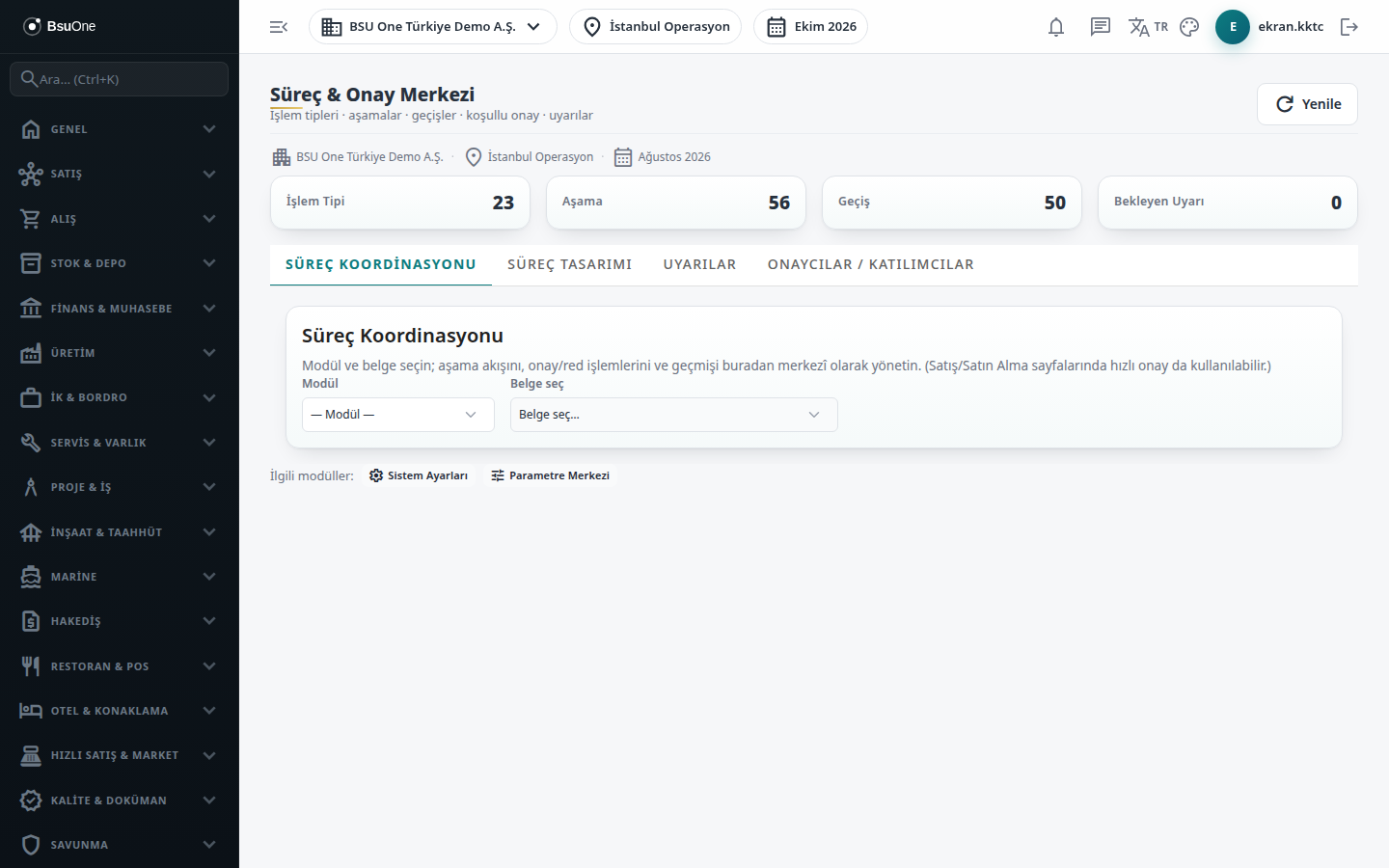
The four cards at the top show the number of Transaction Types, Stages, Transitions and Pending Alerts.
Who uses it
Section titled “Who uses it”To follow document flow and make transitions (approve / reject), Edit on the relevant document module is enough. The Process Design and Approvers / Participants tabs are for administrators only; others see “This page is for administrators only”. View on the System page is needed to open the screen (Settings › Roles).
Screens
Section titled “Screens”- Process Design (Süreç Tasarımı): create a process group (category) and transaction type; define stages, transitions and approval rules.
- Approvers / Participants (Onaycılar / Katılımcılar): assign a user or a permission group to each stage as Approver, Informed or Creator.
- Process Coordination (Süreç Koordinasyonu): select a document and manage its stage; the quick approval in the document modules uses the same engine.
- Alerts (Uyarılar): follow triggered notifications.
Related modules
Section titled “Related modules”Step-by-step screen guides are currently available in Turkish; the links above open them.