
Period & Budget
What it is for
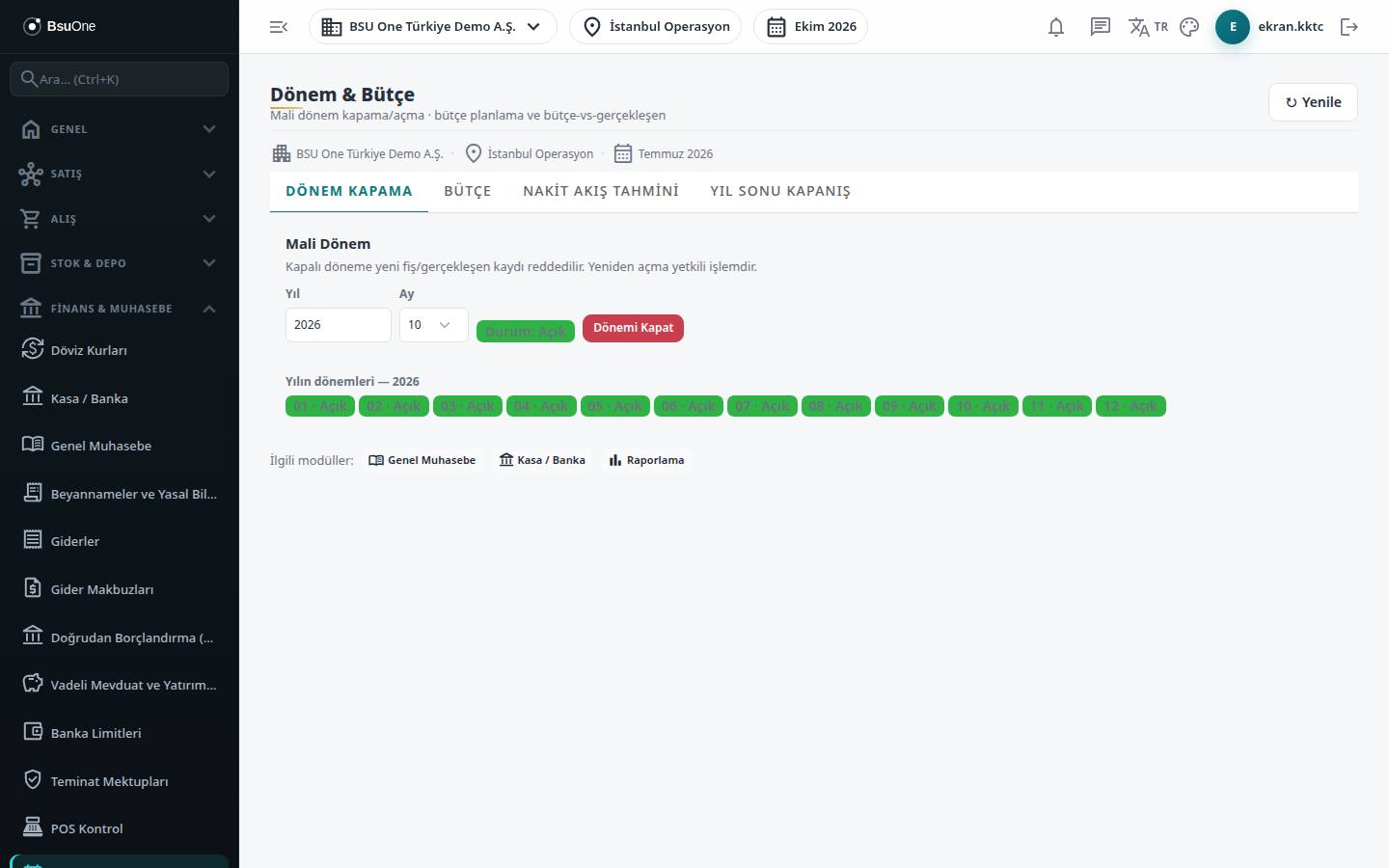
Section titled “What it is for”Period & Budget (Dönem & Bütçe) manages the company’s fiscal calendar and plan. It has four tabs: closing and reopening a fiscal month, entering a budget by account and cost center and comparing it with actuals, a monthly cash flow forecast from open receivables/payables and cheque-note maturities, and closing the income and expense accounts at year end.
Who uses it
Section titled “Who uses it”The accounting officer and the finance manager. View on the General Ledger page is needed to see the screen, and Add to enter a budget. Period closing and year-end closing depend on Approve on the separate authority page General Ledger - Period and Year-End Closing; reopening a period also needs Delete on the General Ledger page (Settings › Roles).
Screens
Section titled “Screens”- Period Closing (Dönem Kapama)
- Budget (Bütçe)
- Cash Flow Forecast (Nakit Akış Tahmini)
- Year-End Closing (Yıl Sonu Kapanış)
Typical workflow
Section titled “Typical workflow”- During the month, enter planned amounts on the Budget tab and compare with actuals.
- Follow the cash position with the Cash Flow Forecast tab.
- When month-end entries are complete, close the period on Period Closing.
- After the year ends, take a preview on Year-End Closing, produce the closing entries and check the new year’s opening trial balance.
Related modules
Section titled “Related modules”Step-by-step screen guides are currently available in Turkish; the links above open them.