
Calendar (Tape Chart)
What it is for
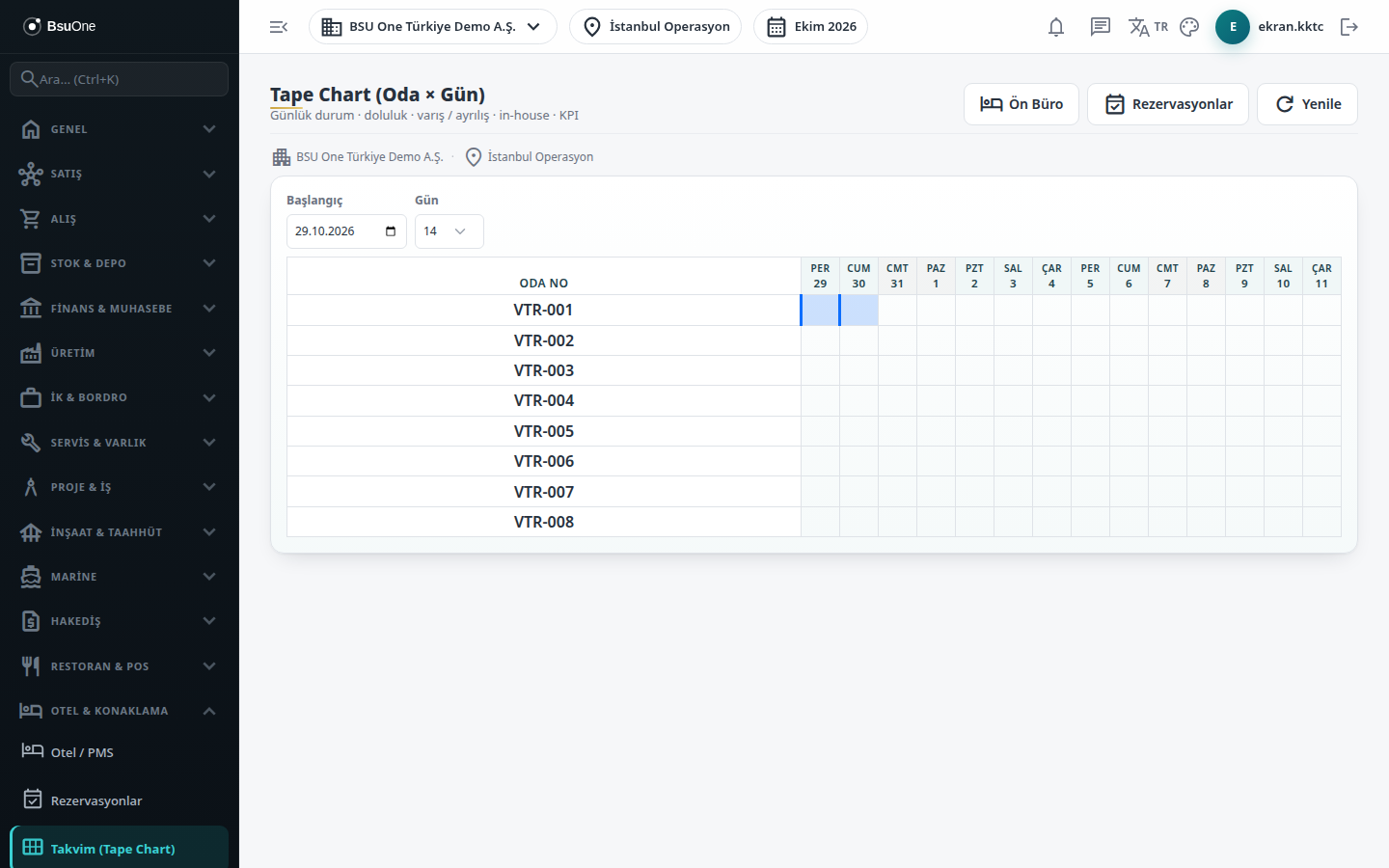
Section titled “What it is for”The Calendar (Tape Chart) shows rooms in the rows and days in the columns. On one screen you see which room is occupied on which day and which reservation starts on which day. The screen is for viewing only; you cannot open or move a reservation from here.
Who uses it
Section titled “Who uses it”Reception, reservation and housekeeping staff. View on the Hotel Management page of the role screen is enough.
Screens
Section titled “Screens”- Start date: the first day shown (default: the branch’s today).
- Days selector: 7, 14 or 30-day view.
- Chart: room number in each row, date and weekday in each column, with weekend columns in a different color. Hovering over a filled cell shows the reservation number and an empty cell reads Empty; on the day a reservation starts the cell shows its number.
Related modules
Section titled “Related modules”Step-by-step screen guides are currently available in Turkish; the links above open them.