
Vessel Certificates
What it is for
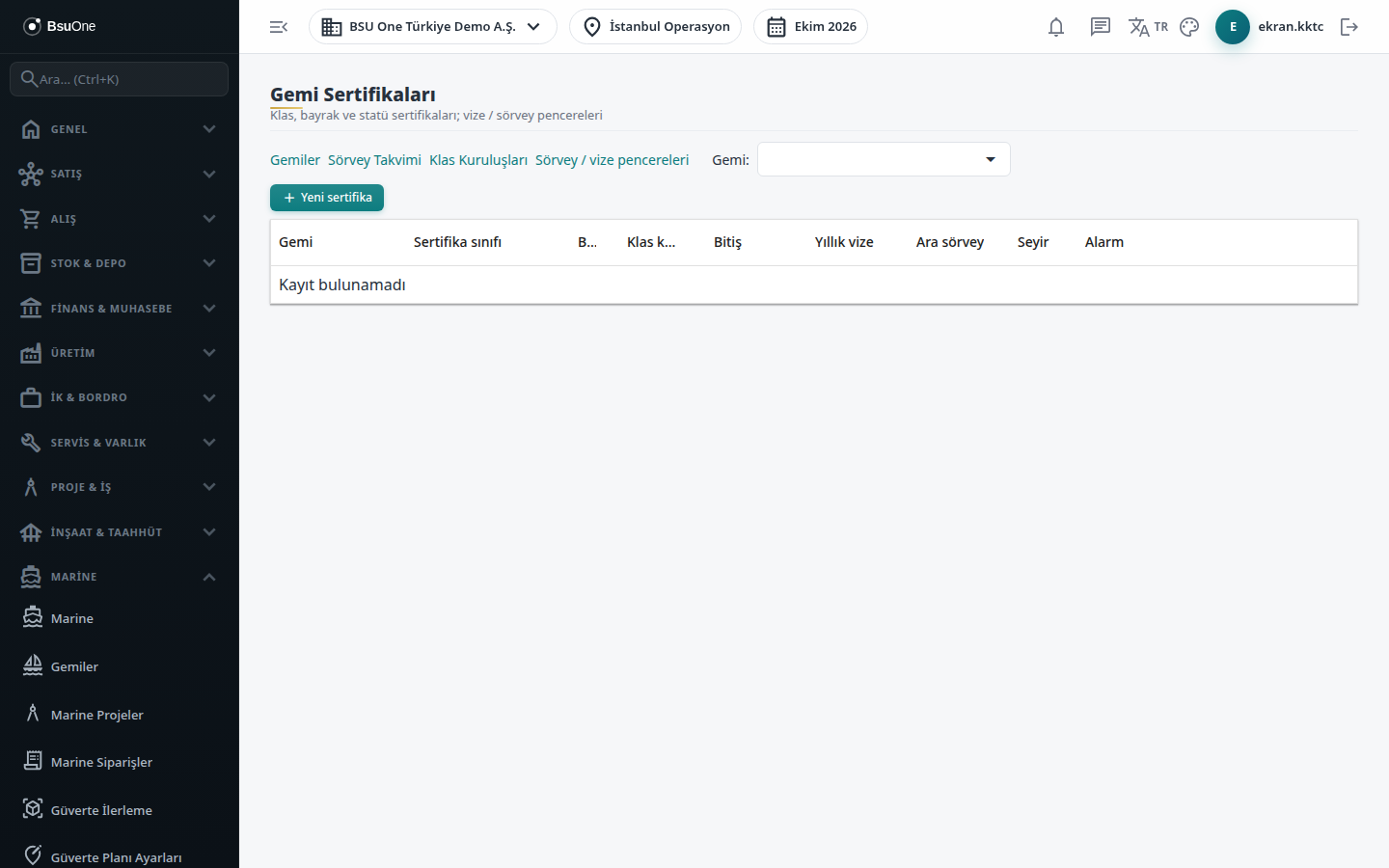
Section titled “What it is for”Vessel Certificates (Gemi Sertifikaları) keeps vessels’ certificates such as class, seaworthiness, tonnage, load line, SOLAS, MARPOL, ISM and ISPS, with their expiry dates and annual visa and intermediate survey dates, in a single list. A window is calculated for each date, and the list warns with green (Valid), amber (Approaching) and red (Window exceeded / Expired) alarms. In the lower part, the selected vessel’s Class conditions / recommendations are followed.
A Sea Trial / Delivery work order cannot be approved or started for a vessel that has a certificate marked mandatory for sailing that is not valid (expired, suspended, or with a visa / intermediate survey window exceeded), or an open class condition past its deadline.
Who uses it
Section titled “Who uses it”The technical office, the class and survey officer, and shipyard planning. On the Marine page of Settings › Roles: View sees the list and class conditions, Add adds a certificate and a class condition, Edit edits a certificate, processes visas / intermediate surveys and edits a class condition, Delete removes a certificate, Approve closes a class condition.
Screens
Section titled “Screens”- Vessel filter (Gemi): limits the list and class conditions to one vessel; links at the top go to Vessels, Survey Calendar, Class Societies and Survey / visa windows.
- New certificate: vessel, certificate class, whether it is mandatory for sailing, name, number, class society (or regulator if non-class) and dates. The form stays open after saving so you can upload the scanned certificate and link it from the document list.
- Certificate list: an Alarm column shows each certificate’s worst status; dates outside the window are listed under the row, for example “Annual visa: Approaching”.
- Process visa / intermediate survey: choose the type and date on the row.
- Class conditions / recommendations: New class condition needs condition number, condition / deficiency, date imposed and deadline. Close needs a completed corrective work order and the surveyor’s closing report uploaded and selected.
- Edit and delete: pencil and trash can icons; a certificate linked to a survey or class condition cannot be deleted.
Related modules
Section titled “Related modules”Step-by-step screen guides are currently available in Turkish; the links above open them.