
Waste Entry
What it is for
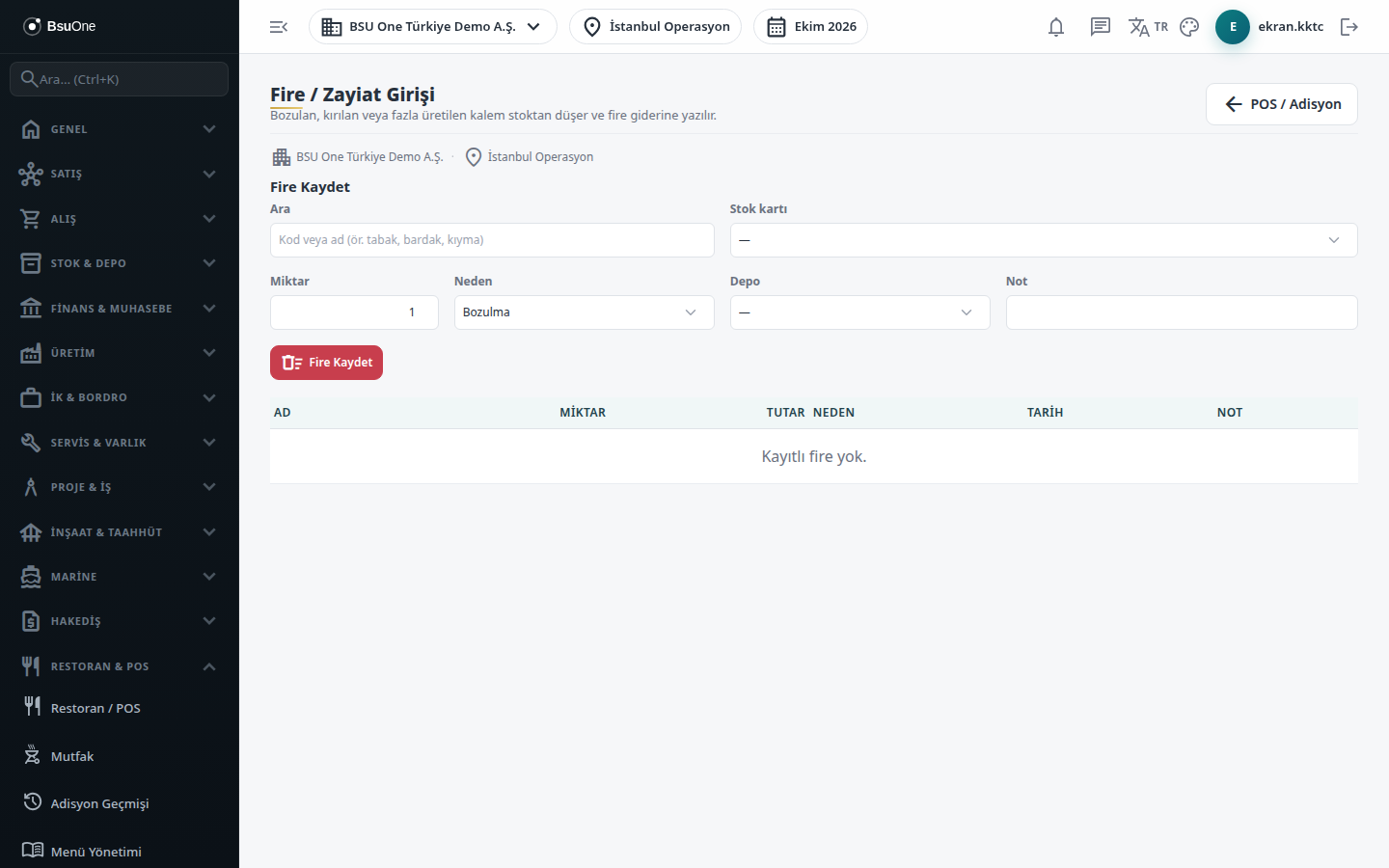
Section titled “What it is for”You record materials that are spoiled, broken, over-produced and thrown away, or lost in the kitchen. The record reduces stock from the warehouse you choose and writes the amount as waste expense. Consumables that are not on the menu (plates, glasses, packaging) can also be written off; any stock-tracked card can be selected.
The list at the bottom shows the waste records of the last 90 days and their total. For a longer period use the waste tab in Restaurant Reports.
Who uses it
Section titled “Who uses it”The head chef, the warehouse officer and the shift supervisor. View on the Restaurant / Order page of the role screen is needed to see the list and Edit to enter records. A user with only View does not see the form.
Screens
Section titled “Screens”- Search: type a stock card’s code or name (for example plate, glass, minced meat); at most 50 results are shown.
- Stock card list: pick the card; a card with a menu item shows the menu name in brackets.
- Quantity, Reason, Warehouse and Note: reasons are Spoilage, Breakage, Over-production, Loss / theft and Other (“Cancelled order” is not chosen by hand; the system records it).
- Save Waste (Fire Kaydet): stock is reduced and the record is added to the list below.
Related modules
Section titled “Related modules”Step-by-step screen guides are currently available in Turkish; the links above open them.