
Marine Progress Claims
What it is for
Section titled “What it is for”Marine Claims (Marine Hakediş) turns the progress measured at period end on the lines of an approved Marine master order into a progress claim. A claim is calculated, submitted, goes through technical review, is approved, receives finance approval, is invoiced and is collected, in that order.
Claims is not a separately sold package: it comes along when the Construction or the Marine package is open. This screen is the common claim workspace working with Marine orders under the Marine package; there is no separate claim record store for Marine.
A claim is fed by:
- The lines of the approved master order and approved change orders on the Marine Orders screen.
- A period progress record for each line (cumulative percentage or quantity).
- The claim contract terms on the order (advance, retention, rounding, withholding base model, VAT scenario).
- Extra items coming from the docking and acceptance flows (for example a retention release at acceptance; this item comes only if the acceptance protocol is tied to a claim period, and in this version the Acceptance & Handover screens have no button that makes this link).
Who uses it
Section titled “Who uses it”- Field or project staff entering progress: Add or Edit on the Marine page.
- Technical review: Edit on the Marine page.
- Approval (Approve (Freeze)): Approve on the Marine page.
- Finance approval: View on Marine and Approve on Claims.
- Invoicing: Approve on Claims.
- Collection entry: View on Marine and Edit on Claims.
- Reversal: Approve on both Marine and Claims.
Separation of duties also applies to administrators: whoever entered the progress cannot approve that period’s claim or give finance approval, and whoever approved the claim cannot give finance approval for it. Claims are entered only on the central node, not on a branch node.
Screens
Section titled “Screens”- Claim contract terms and period progress (Hakediş şartları ve ilerleme): one button per approved master order; set multi-year work, work type, advance deduction rate, retention rate and so on, and enter the period number, measurement date, optional evidence and the cumulative value per line.
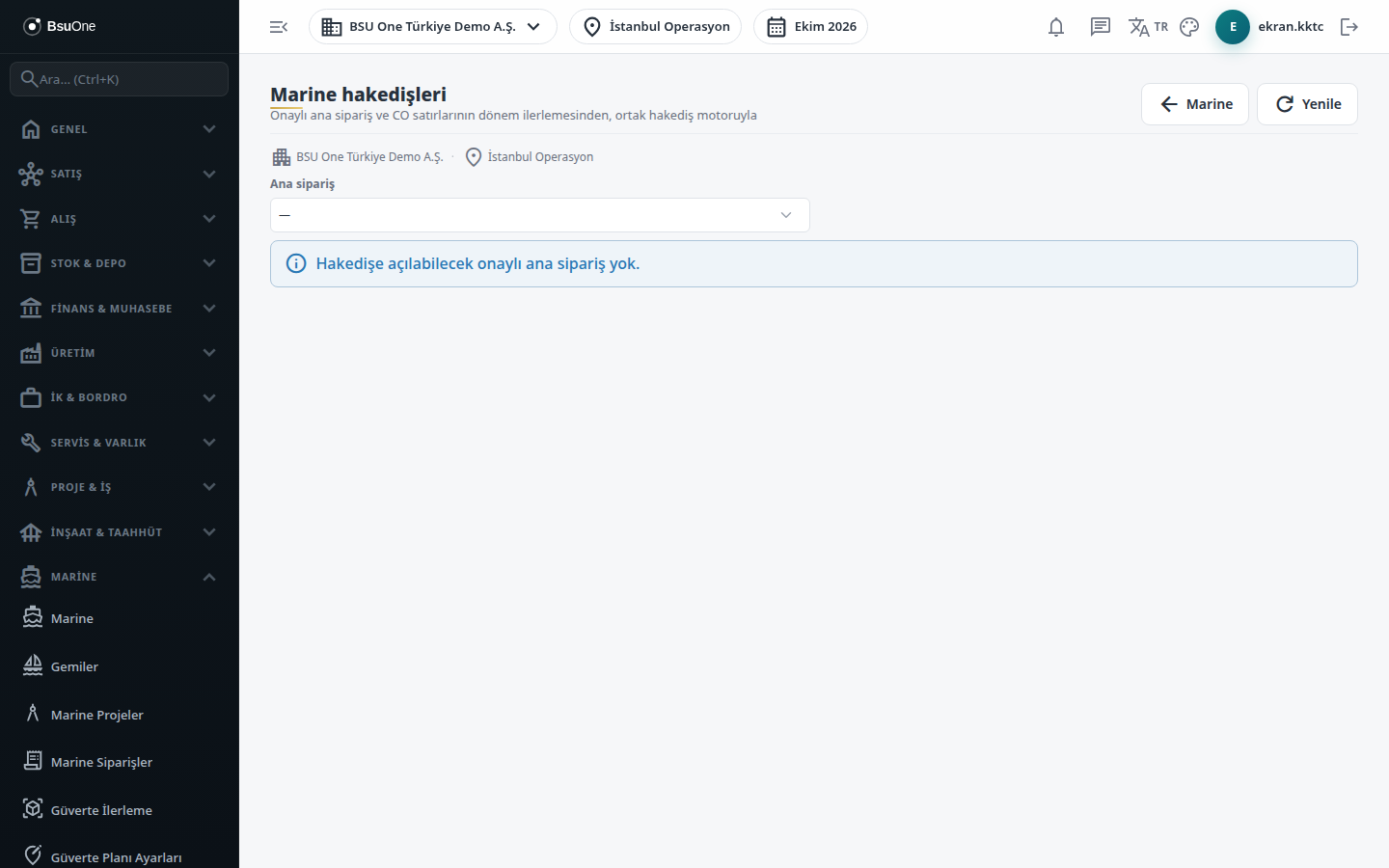
- Claims workspace: choose the master order, the claim’s branch if the source has none, and create a New Claim.
- Claim actions (each shown only in the right status and with permission): Calculate, Submit, Take to Technical Review / Return for Correction, Approve (Freeze), Finance Approval (for a foreign-currency claim pick the rate type first), Cancel Before Approval.
- Claim invoicing and collection: enter the invoice date and press Invoice; for collection enter the date, cash/bank account and cash received, then Enter Collection.
- Advance Ledger, Retention Ledger, Objections and Revisions and Calculation Evidence: record an advance payment or retention release, open an objection, and reverse a claim.
Typical workflow
Section titled “Typical workflow”- Open Marine Claims and, under the contract terms line, set the terms and enter the period progress for the master order.
- Choose the master order and create the New Claim.
- Calculate, submit, technical review, approve, finance approval.
- When the claim is Finance Approved, invoice it and then enter the collection.
Related modules
Section titled “Related modules”- Marine Orders
- Marine Projects
- Acceptance & Handover
- Portfolio Dashboard
- Marine Legal Rules
- Claims (all sectors, read-only)
Step-by-step screen guides are currently available in Turkish; the links above open them.