
Two-Factor Auth
What it is for
Section titled “What it is for”Two-Step Verification (2FA) (İki Adımlı Doğrulama) asks, in addition to your password, for the code generated by an authenticator app on your phone, so your account stays protected even if your password is captured. The codes are time-based (TOTP). One-time recovery codes you can use if you lose your phone are also generated on this screen.
Who uses it
Section titled “Who uses it”Every signed-in user, for their own account. Switching it on is recommended for administrator accounts. Only an administrator can reset someone else’s verification, from the Permission Matrix screen.
Screens
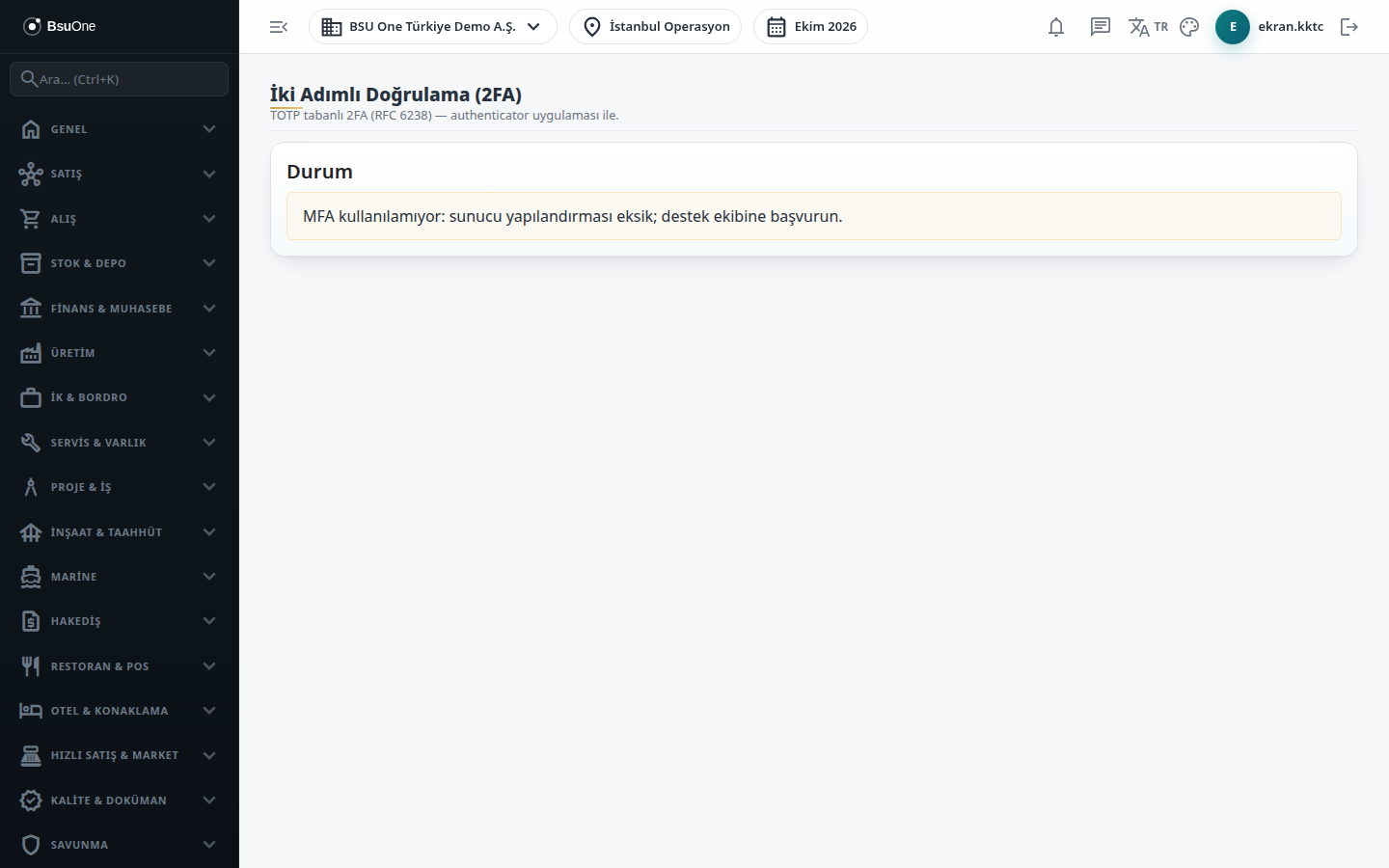
Section titled “Screens”- Status card (Durum): shows your account status; when inactive it reads that MFA is not active and offers Start enrollment.
- Enrollment: shows a Manual key (base32) and an otpauth:// URI to enter in your authenticator app; type the code it shows into Verification code and press Confirm and enable.
- Recovery Codes (Kurtarma Kodları): shown right after enabling; save them safely because each works only once and they are never shown again.
- Active state: an Active badge and the Remaining recovery codes count; Renew recovery codes generates a new set when you are running low.
At sign-in you then type your authenticator code, or a recovery code, in the 2FA code field.
Related modules
Section titled “Related modules”Step-by-step screen guides are currently available in Turkish; the links above open them.