
Progress Claims
What it is for
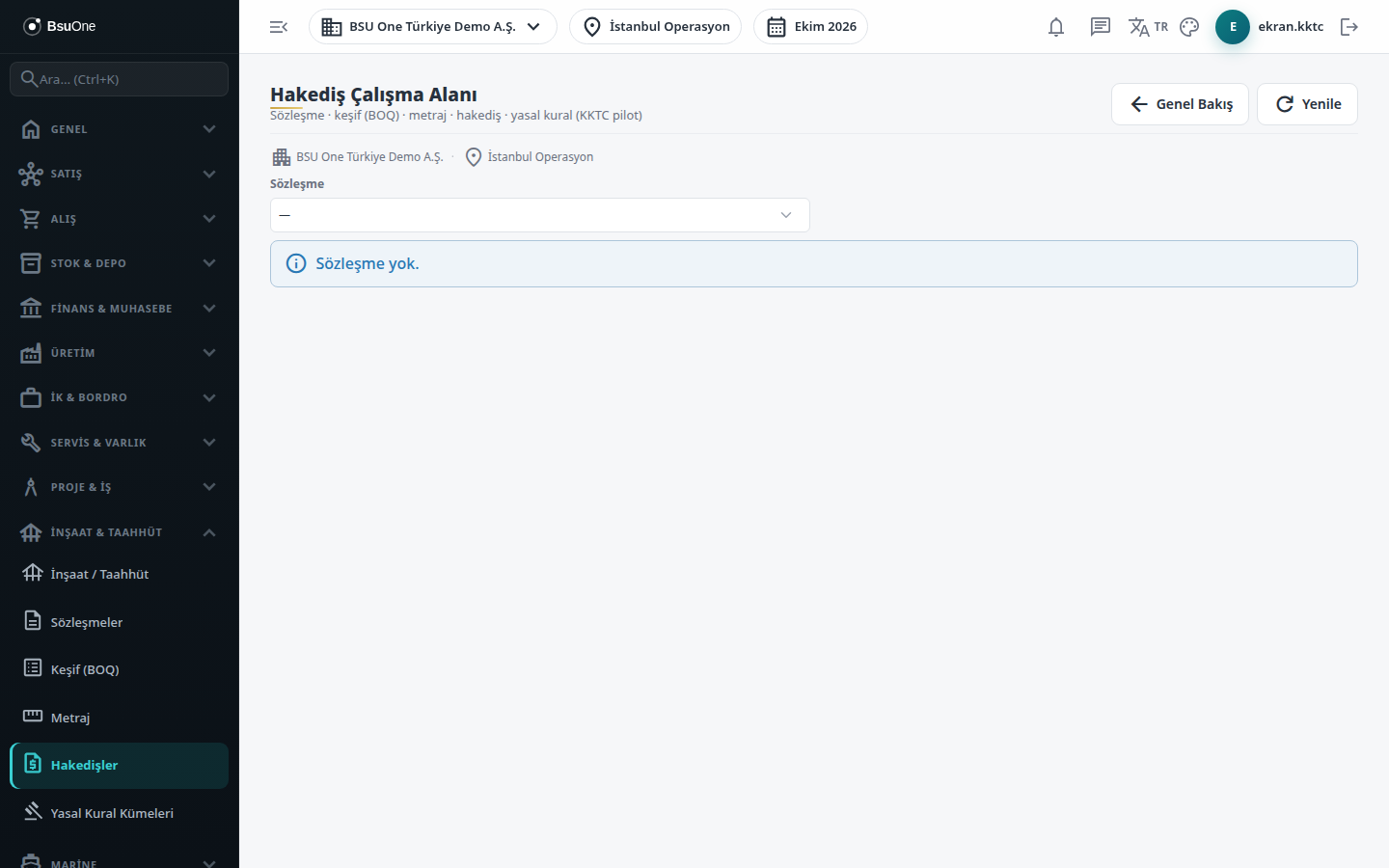
Section titled “What it is for”Progress Claims (Hakedişler) is the workspace where you prepare the period-by-period progress claim of an active contract. The amount is calculated from the published bill of quantities unit prices and the approved cumulative measurements; retention, advance deduction and official deductions (VAT, withholding) are added, and the Net Payable / Collectable amount comes out. The same screen manages the claim’s approval chain, accounting, invoicing, payment, reversal and objections.
Who uses it
Section titled “Who uses it”Technical office staff who prepare claims, the control engineer who does the technical review, the approver, and finance staff who give finance approval and post to accounting. Permission is given on two pages of the role screen:
- Construction / Contracting: Add or Edit to open, calculate and submit a claim; Edit for technical review, return, cancellation and objections; Approve to approve; View to see the screen.
- Claims: Approve for finance approval and accounting; Edit for advance and retention entries, invoiced/paid marks and closing. A reversal needs Approve on both pages.
Separation of duties applies: those who entered the measurements cannot approve the claim, whoever approved the claim cannot give finance approval for it, and those who entered the measurements cannot give finance approval either.
Screens
Section titled “Screens”- Contract selector: shown as code, name and direction; with no active contract the screen says so.
- Claims card: periods, statuses and amounts, with a net payable total per currency (different currencies are never added together).
- New Claim: period number, claim date and whether income/corporate withholding and VAT withholding apply.
- Period / Cumulative table and Component Summary: the calculated lines and components; click a line for its calculation trail.
- Advance and Retention Ledgers (Avans ve Teminat Defterleri): record advance payments and retention releases; shows unsettled advance and retention held.
- Revisions and Calculation Evidence: reverse a wrongly approved claim with a reason.
- Objections (İtirazlar): open an objection with a reason code and amount, and close it as resolved, rejected or withdrawn.
Typical workflow
Section titled “Typical workflow”- Select the contract, create the new claim and press Calculate.
- Submit, then move it to technical review; return it for correction if needed.
- Approve (Freeze); the claim is certified and can no longer be changed.
- Finance approval (for a foreign-currency claim pick the rate type explicitly), then Post to accounting.
- Mark it as invoiced (this only marks the status and does not create an invoice), record partial or full payment, then close the claim.
Related modules
Section titled “Related modules”- Construction / Contracting
- Contracts
- Bill of Quantities
- Measurements
- Legal Rule Sets
- Claims (common view)
Step-by-step screen guides are currently available in Turkish; the links above open them.